Check your phone
Only devices that are carrier-unlocked and support eSIM technology can use 7G eSIM.
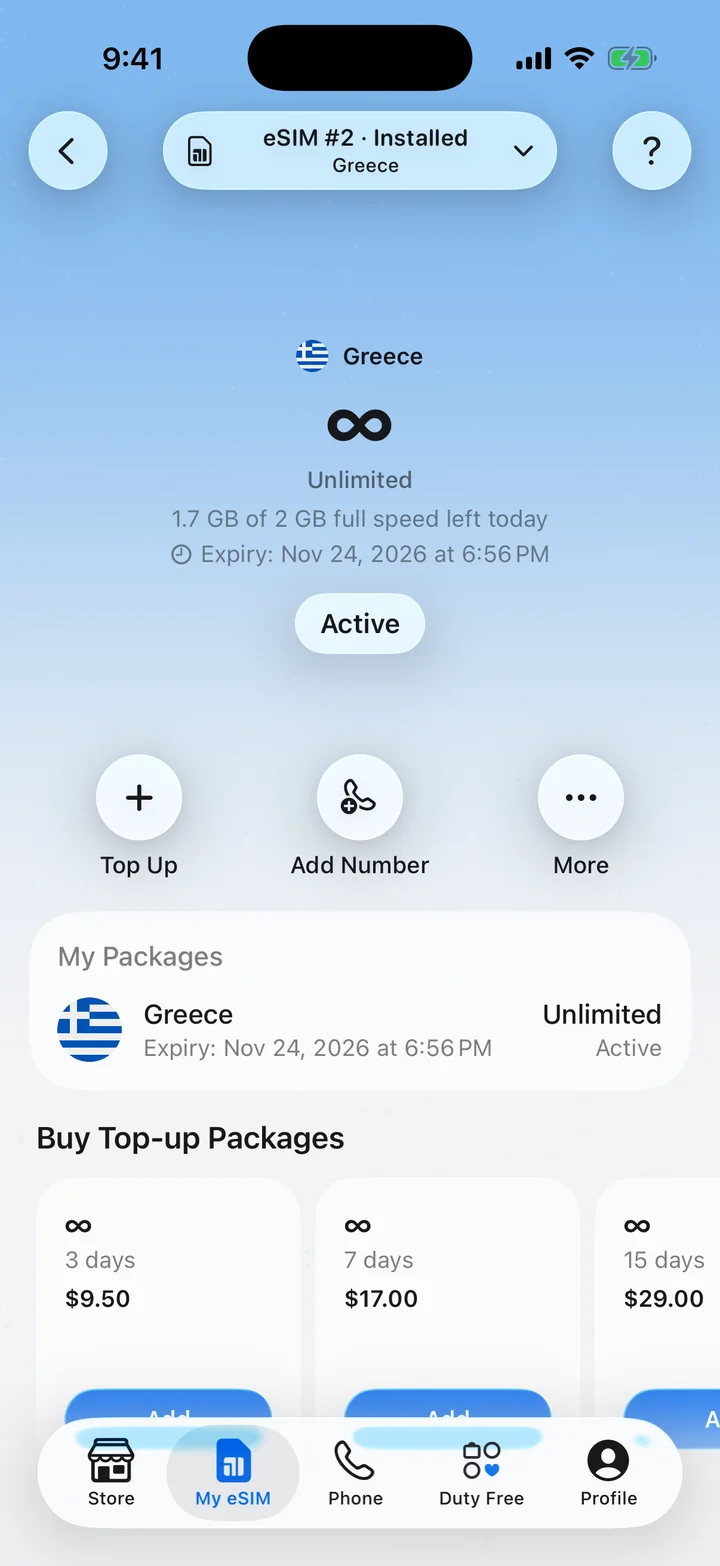
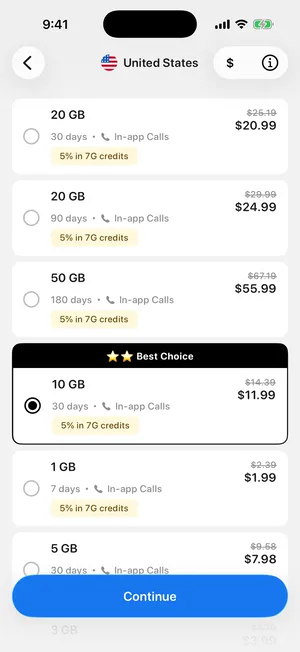
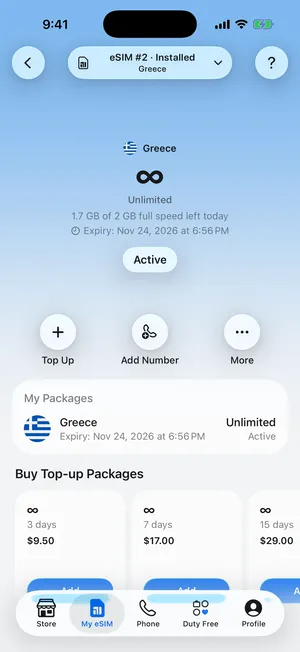
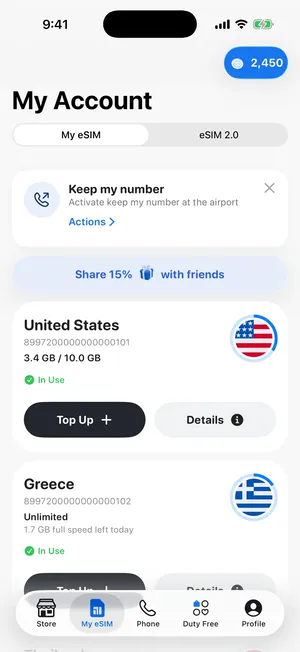
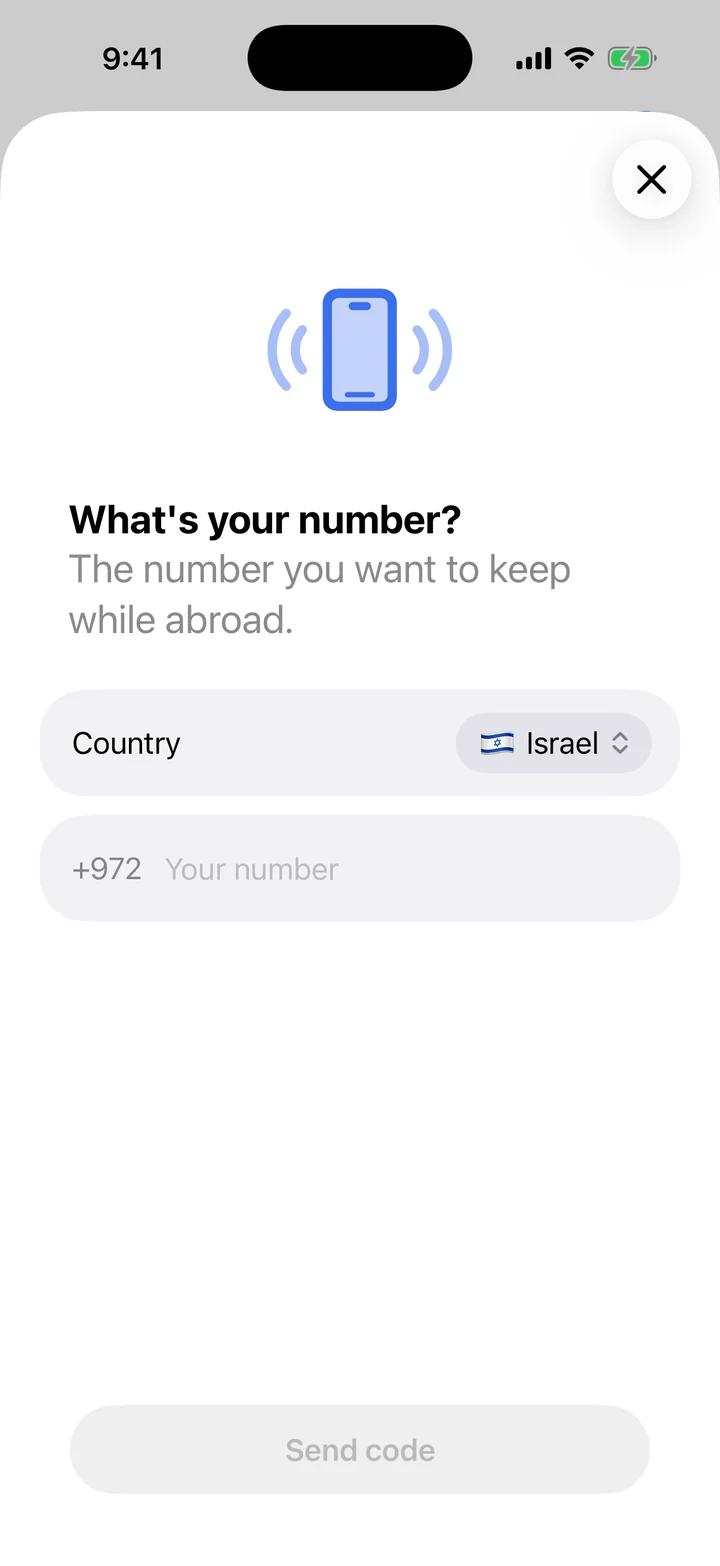
See supported devicesDownload the app, pick a plan, install the eSIM in a few taps and turn on Keep My Number. Your plan activates automatically the moment you arrive.
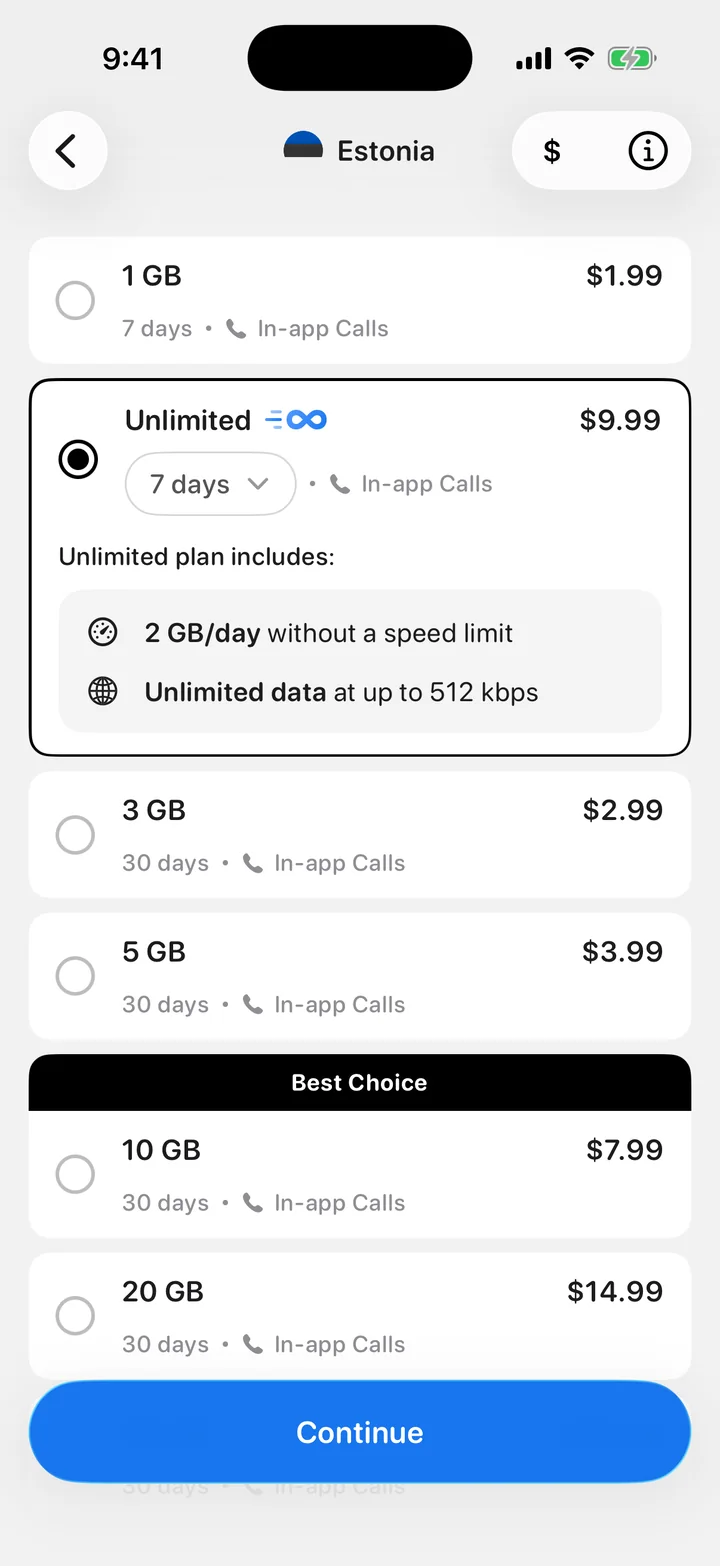
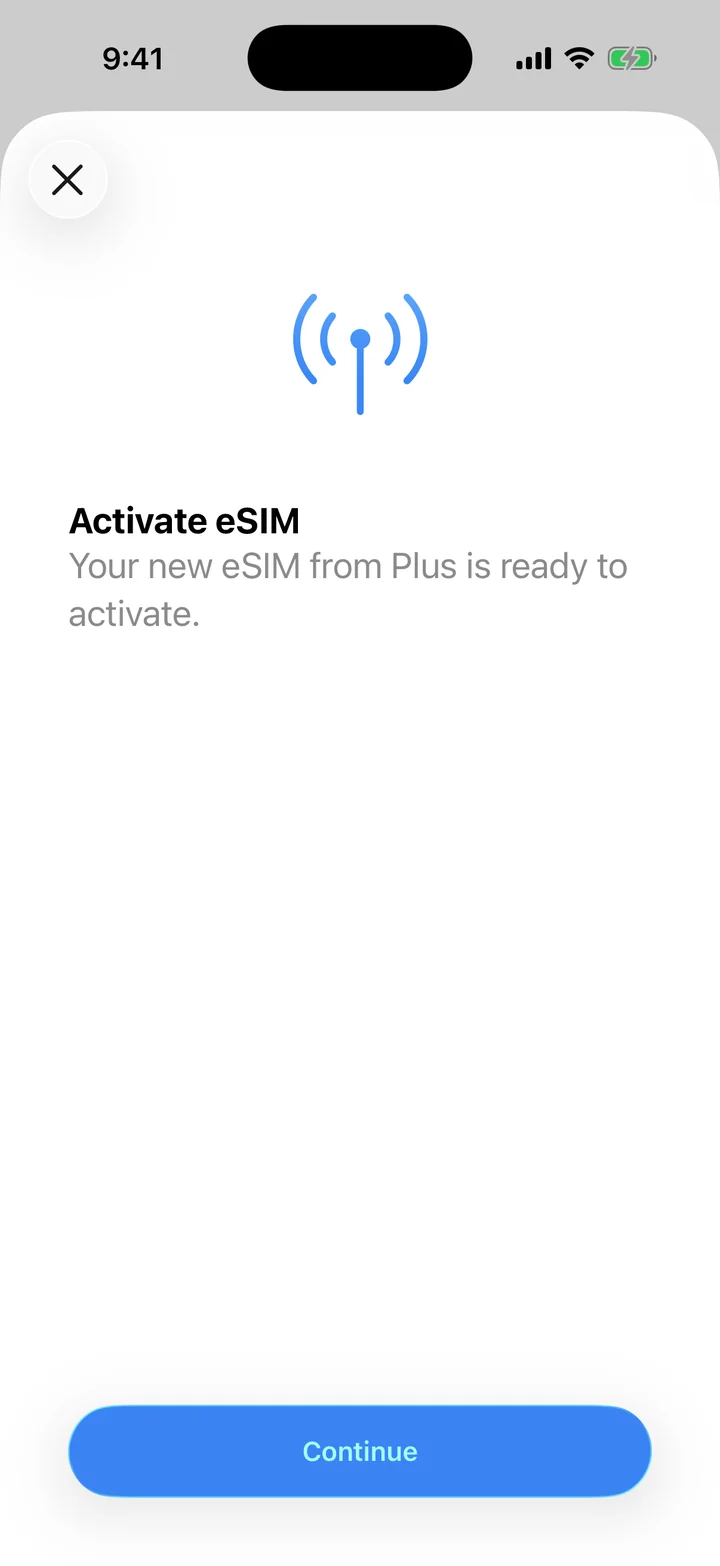
Only devices that are carrier-unlocked and support eSIM technology can use 7G eSIM.
See supported devicesActivate it before leaving your home country, ideally at the airport, to keep receiving incoming calls while abroad.
How Keep My Number worksThe plan starts only when you arrive at the destination. You have 180 days to activate it.
Choose a destinationThe only eSIM that keeps your main number on for incoming calls, anywhere in the world.
 +44 UK
 +1 US
 +972 IL
Your eSIM connects to the leading local networks wherever you land, with 5G in supported countries.
Browse safely and get past blocks. Handy across Asia and beyond.
Clear voice calls to any country, right from the 7G app.
A second number for SMS and sign-in codes on the go.
Real people in the app, day and night. Replies in under 30 minutes.
We've got the answer. Still stuck? Our team is in the app 24/7.
An eSIM replaces the traditional plastic SIM with a chip already built into your device. Activate a data plan in seconds, use several numbers on one phone, and enjoy seamless connectivity wherever you travel.
The Keep My Number feature allows you to receive unlimited incoming calls to your regular number while you travel.
To use it, simply activate the feature before leaving your country.
Once it's active, all your incoming calls are automatically routed to your eSIM 7G — no roaming, no extra cost.
Yes, of course! The plan starts only when you arrive at the destination. You have 180 days to activate it. Contact support if you need more time.
Yes. Incoming SMS messages are free.
If you enable your SIM card only for SMS, you'll continue receiving texts without interruption.
Outgoing calls can be made easily through the 7G app.
All outgoing calls are handled securely through the eSIM 7G app.
Just open the app, dial any number, and enjoy clear, affordable international calls.
You can download our app from both the App Store and Google Play.
Simply search for "eSIM 7G", install, and follow the setup instructions.
Of course. If your travel plans change or your flight is cancelled, you can request a refund directly through the app or by contacting support.
Download the app, pick your destination and turn on Keep My Number before you fly.


 Scan
 Thailand
 United Arab Emirates
 Cyprus
 Georgia
 Australia
 Netherlands
 Brazil
 Canada
 South Korea
 Singapore
 Mexico
 Portugal